Select a photo folder
Choose your inspection, repair, or issue photos.
Stop pasting, resizing, aligning, and numbering photos one by one. Choose a folder and let the tool build the report for you.
Windows • No sign-up • Free trial supports up to 10 photos
Get major product updates
🔒 Product updates only. Unsubscribe anytime.
Build the photo report—not the spreadsheet.
No Excel expertise. No complicated setup.
Choose your inspection, repair, or issue photos.
The tool fixes orientation, sizing, and placement.
Your numbered report includes date and notes fields.
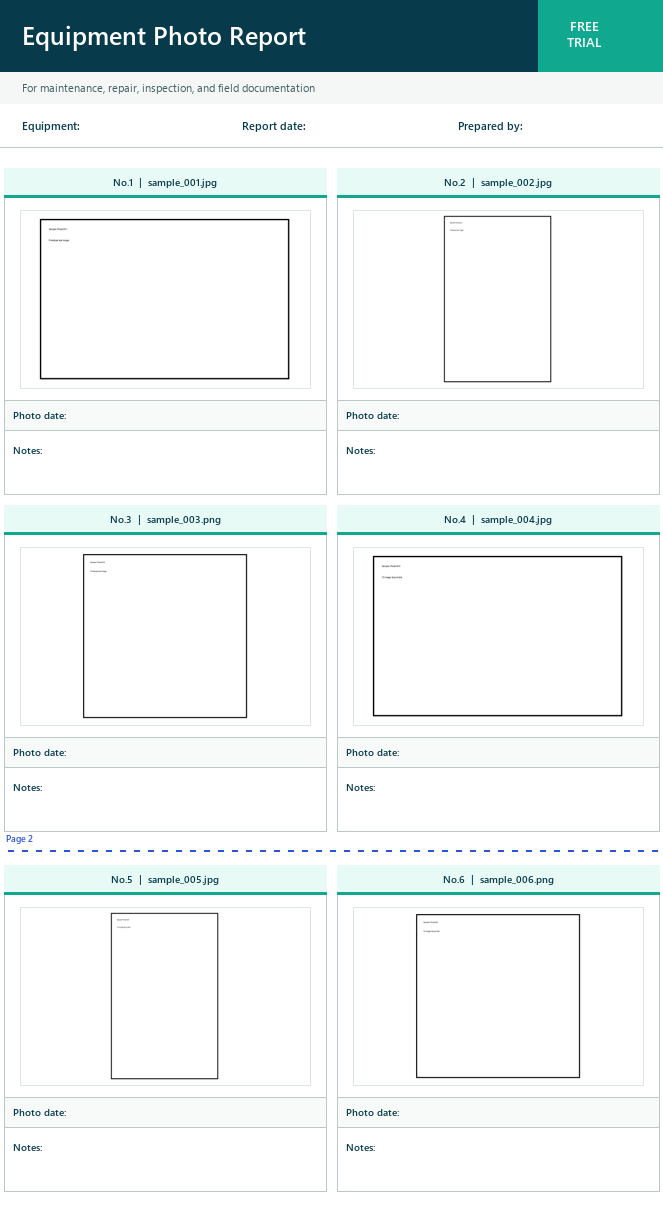 Updated actual output
Document conditions and inspection points
Show before-and-after work clearly
Share defects and abnormal conditions
Keep a visual record of equipment or products
The essentials before you try it.
No. Processing stays on your Windows PC. The tool does not upload your selected photos to an external server.
No. Select a photo folder and click the create button. The tool produces the Excel report automatically.
JPG, JPEG, and PNG are currently supported. HEIC, RAW files, and video are not supported.
No. It does not delete, move, rename, or overwrite your original files.
Yes. The English free trial includes an English interface, English filenames, and an English Excel workbook.
No cloud upload. Your photos stay on your PC.
Download the free trial